How it works
From source to patient.
What patients open is built from the sources you choose, and reaches them only after your clinical review.
The Helm · Generative workspace
The engine behind the Suite.
Bring in your organisation’s clinical material and generate connected preparation and recovery drafts. The Helm combines source-led AI generation, structured checks and coordinated revisions in one clinical workspace. Your team reviews the content and decides what goes live.
Start with your sources
Upload your organisation’s current clinical material directly into The Helm. Use your own approved sources, guidelines you select or approve, or both.
Generate a structured draft
AI prepares connected preparation and recovery guidance, including standard and easy-read versions. Sources, checks and gaps are visible for review.
Review, then share
Your clinical reviewer checks and approves the content before publication. Patients open the approved guide from your team’s link, without creating an account.
Keep both parts aligned
When you revise a pathway, coordinate updates across its preparation and recovery guidance. Review the changes and sign off before publishing again.
Generation creates a draft. Clinical approval determines what patients see.
Explore The HelmThe Compass · Through recovery
One day at a time.
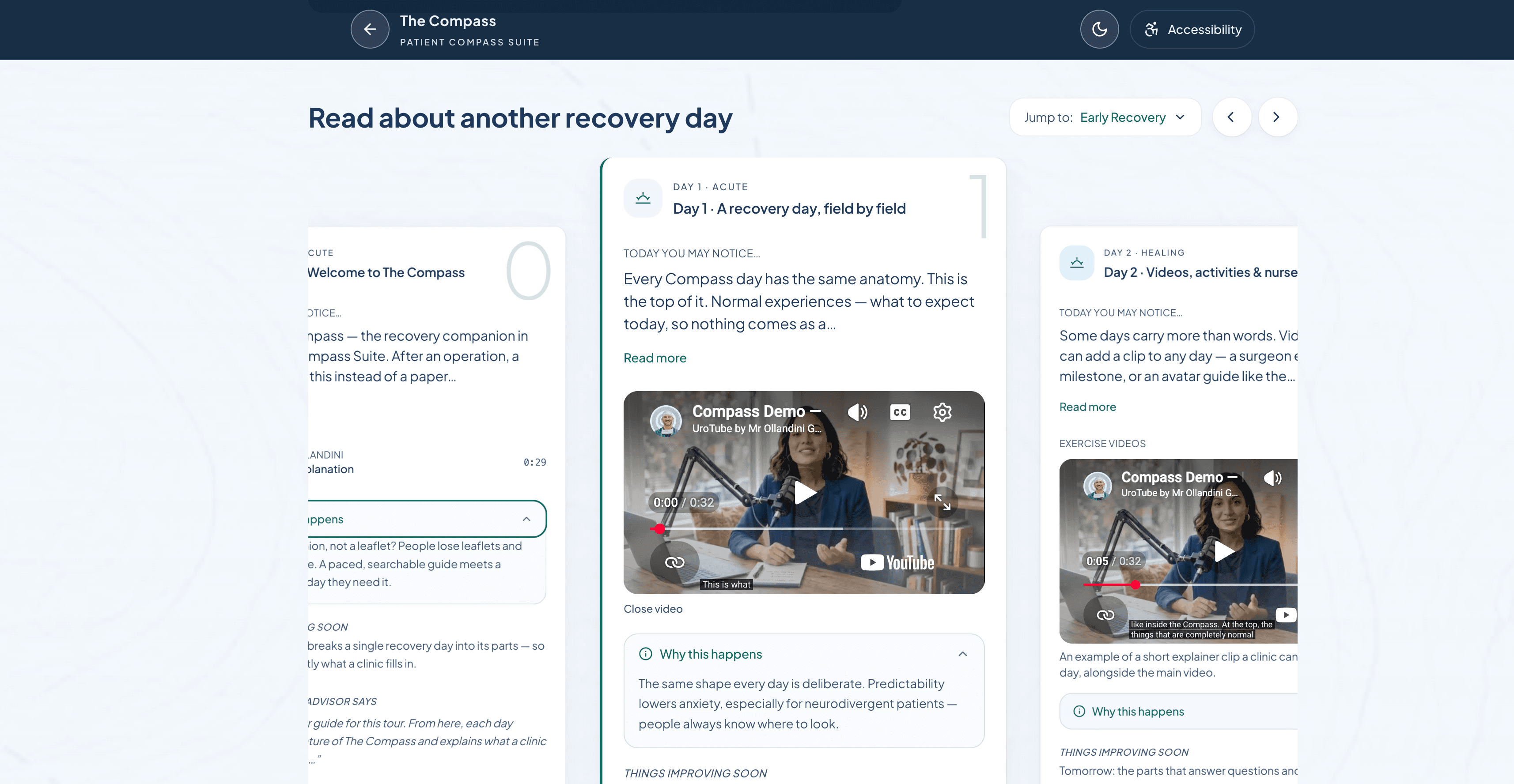
Your approved recovery guidance as a day-by-day journey: what to expect, practical instructions and when to contact your clinical team.
The familiar starting point
So, what is it most like?
The closest everyday comparison is the PDF leaflet, or the patient instructions that accompany a discharge letter.
Start with that familiar job: giving patients information they can take away. Then add a guided journey and a clinical workspace to create, review and maintain it. The clinical discharge record stays in your existing system.
Explore the nine differences. Hover, tap or click an arc. With a keyboard, use the arrow keys to move around the wheel.
Accessibility built in
Every standard explanation has an equivalent easy-read version: simpler wording, shorter sentences and a clearer structure, while preserving the clinical meaning. Patients can choose the reading style they prefer.
So, not quite a PDF after all.
Walkthroughs
See it for yourself.
Presented and recorded in person by Mr Giangiacomo Ollandini FRCS (Eng), MSc, the consultant surgeon who built the Suite.
- Full tour18 minThe complete suite, presented by the surgeon who built itWatch on YouTube (opens in a new tab)
- Polaris4 minPre-operative information, in standard and easy readWatch on YouTube (opens in a new tab)
- The Compass6 minDay-by-day recovery guidance after surgeryWatch on YouTube (opens in a new tab)
- The Helm5 minThe clinician control centre and sign-offWatch on YouTube (opens in a new tab)
For individual tasks, our separate tutorial library uses British English synthetic narration, with captions and transcripts. Browse tutorials